Orin AI assistant
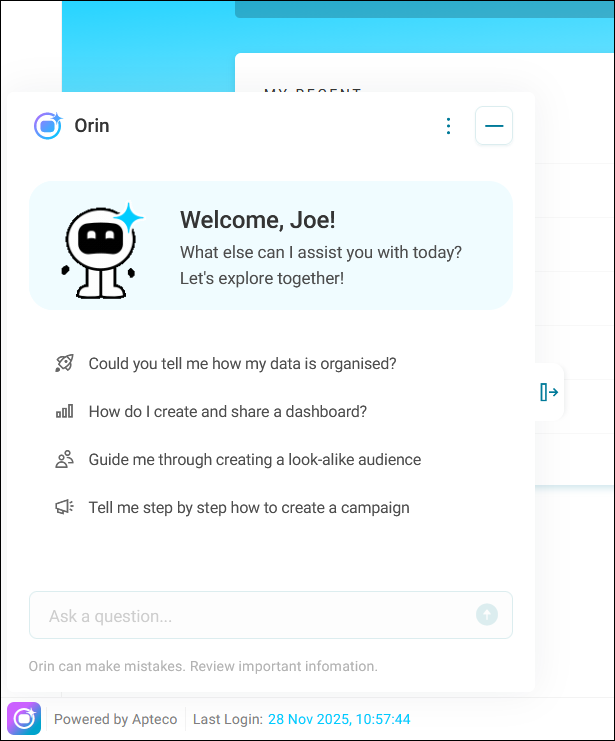
Orin is your AI chat assistant that helps you work with your Orbit system.
Prerequisites
Before you can access Orin, your system administrator must enable it on your system.
To enable Orin on your system:
-
Work with your system administrator to enable Orin using the installation and configuration steps.
-
Toggle on the Orin feature switch under Features in Application Settings.
Accessing Orin
You can open Orin from anywhere in Orbit.
To open Orin:
-
Select the Orin icon at the bottom left of your screen.

Start typing your prompt.
Language support
Orin responds in whichever language you use to ask a question. If you switch languages mid-conversation, Orin follows. Data formatting like numbers, dates, and currencies respect your configured locale conventions throughout.
For generated dashboard summaries, Orin uses the language defined in your Orbit regional settings rather than inferring it from your prompt. To change this, see Language options.
Daily message limit
You have a limited number of messages you can send to Orin each day. The number of remaining messages displays in the Orin interface.
If you reach your daily message limit, you can't ask more questions until the following day. Your message allowance resets at midnight UTC, regardless of your local timezone.