Apteco Insider Programme
The Apteco Insider Programme gives you early access to upcoming features and the opportunity to shape Apteco product development.
Once you've joined, you'll receive regular updates about new preview features and opportunities to participate in early testing.
How to turn on preview features
To turn on a preview feature in Orbit:
- Click your avatar icon in the top-right corner.
- Select Application Settings.
-
Click Preview Features in the left-hand menu.
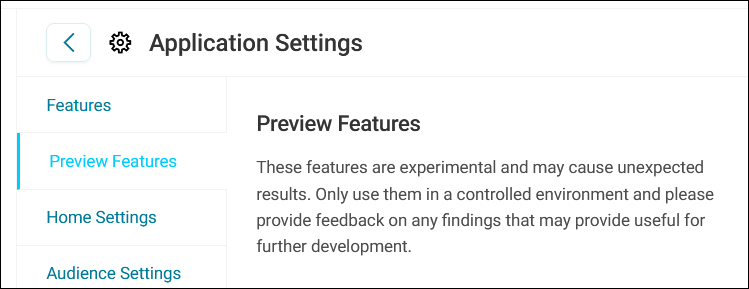
-
Toggle on the feature you want to use.
- Click Save.
The feature is now active in your Orbit environment.