Pool step
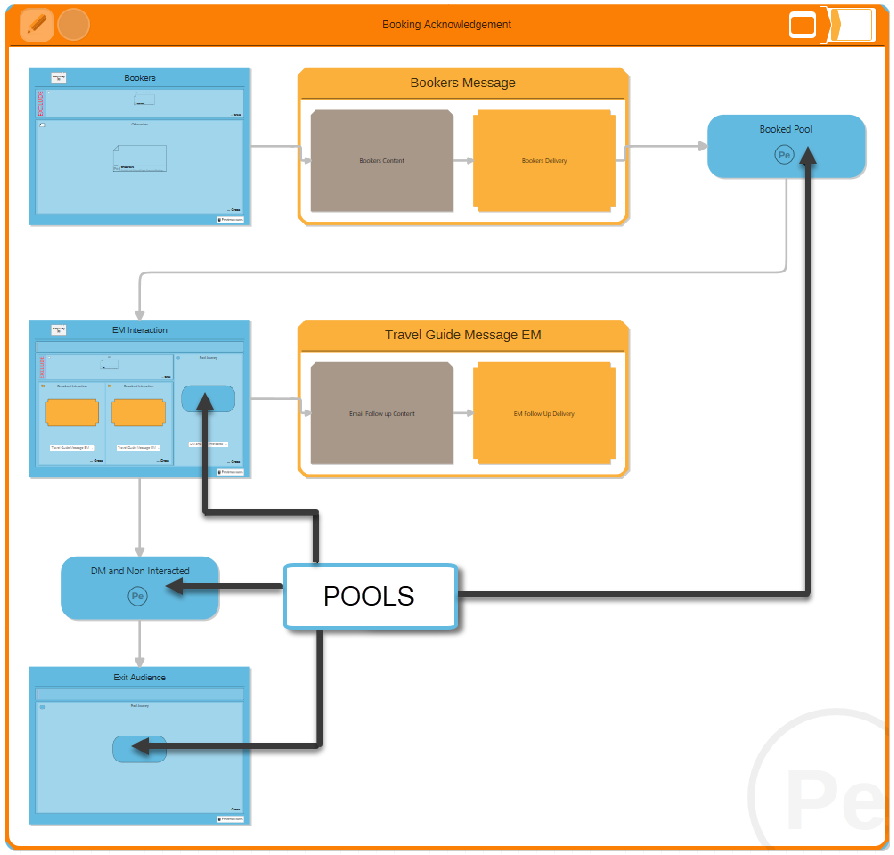
Pools act as a holding area for individuals flowing through a campaign.
By adding a Pool step, you mark the end of a communication chapter within your campaign. People held in a campaign Pool will remain there until you:
- extend the campaign diagram with another communication
- drain the pool manually
- extend the diagram to drain the pool on a schedule
Adding a new pool
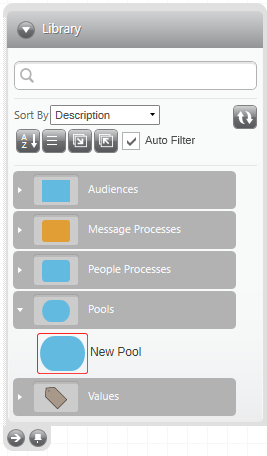
To add a Pool step to your campaign:
-
Drag and drop a New Pool from the Library and onto your editable campaign
A Pool function can be used in conjunction with Journey Selections to delay people from moving on to the next stage of a campaign until after a set time has passed. It can also be used with Interaction Selections to prevent people from progressing through a campaign until they have interacted in a defined way—for example, clicked on a link or opened an email.
While an individual remains in a campaign, they cannot enter the same campaign again. Consequently, if you are creating a campaign which requires that individual to enter again - e.g. to receive a booking confirmation or monthly offer - it would be best practice to ensure that no individual remains in the campaign pool(s) for an extended period.
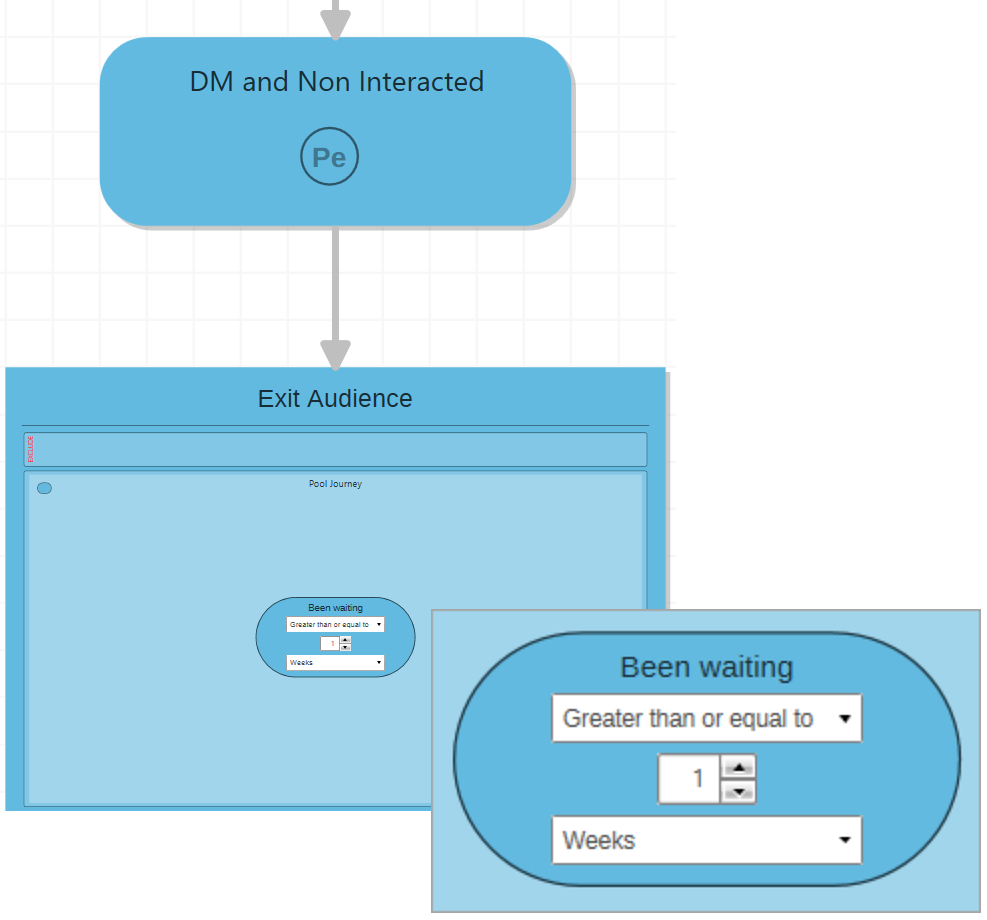
This can easily be achieved using an additional Audience step together with a Pool Journey selection. The Pool Journey Selection allows you to specify a timeframe after which people should move.