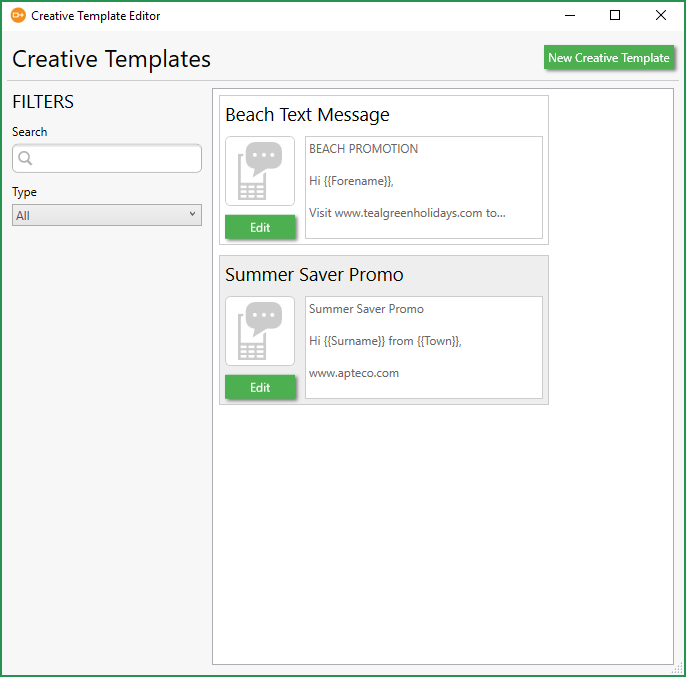
Creative template editor
PeopleStage uses a template to send SMS messages; you create the message content in the Creative Template Editor with placeholders (Parameters) to be replaced by FastStats variables.
Note
The Creative Template is also used to add a WhatsApp approved message. See the WhatsApp integration guide for more information.
Creating a creative template
Open the Creative Template Editor:
-
Select File > Administration > Creative Template Editor
-
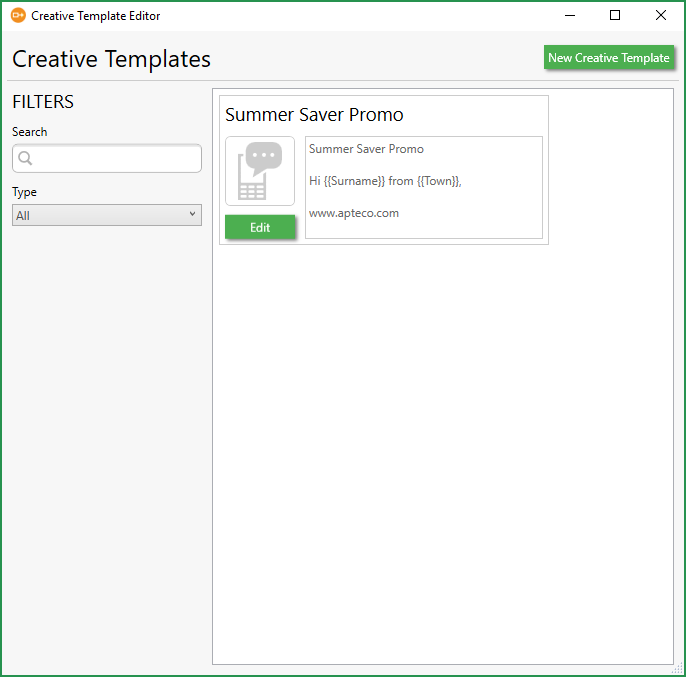
Click New Creative Template.
-
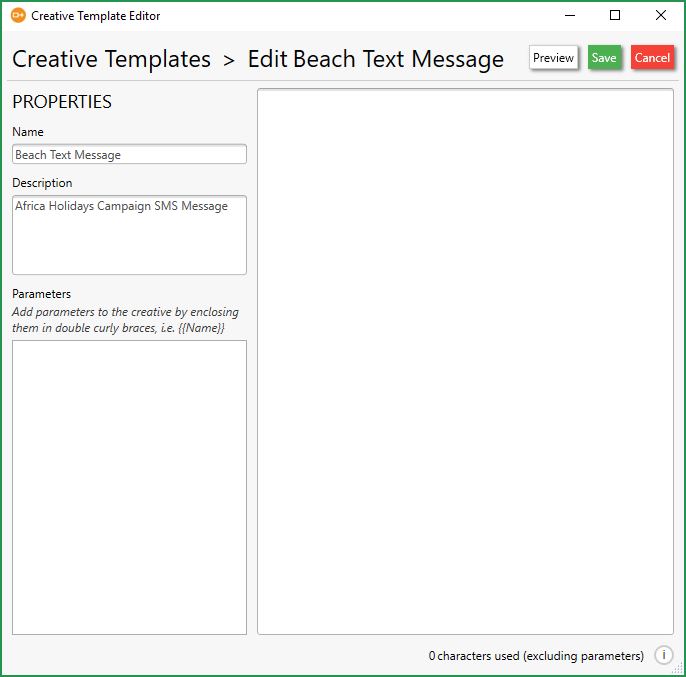
Enter a Name and Description.
-
In the content area, create your message to merge with PeopleStage. Use double curly braces
{{…}}to define the FastStats Variables to use in the message.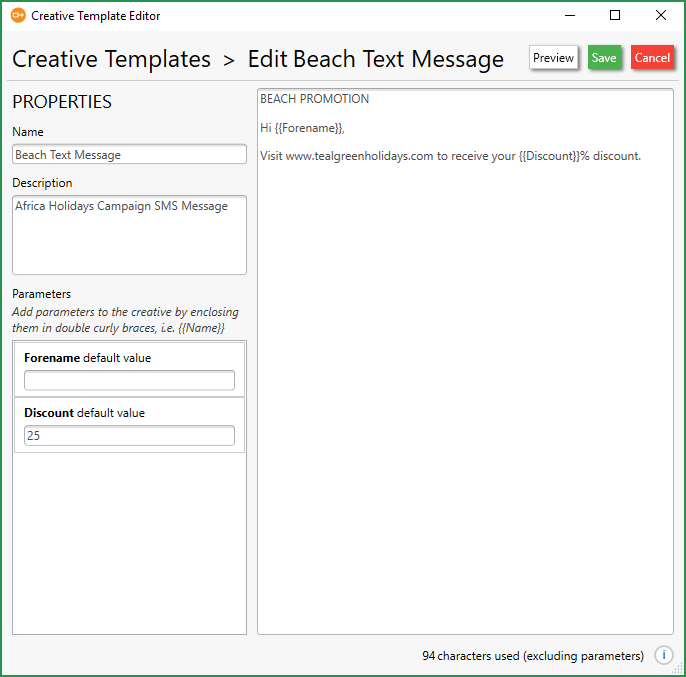
Note
If the variable doesn't exist, the default value from the Parameters area will be used.
-
Click Save and Close.